Create an Instagram RSS feed,
without the suggested posts.
Get posts and Reels from the Instagram accounts you follow, in chronological order.
Read them in the Narro app on the web, iPhone, or Android, or in any RSS reader.
Narro is a user-curated social media app. Add the profiles you follow on Instagram, TikTok, YouTube, X, Facebook, and LinkedIn; Narro shows their posts in chronological order with no algorithm and no ads.
Download the app

Four reasons people use Narro for Instagram feeds
Stay connected to the accounts you love
The artists, creators, and friends with public accounts you follow, newest first, including their Reels. Nothing from accounts you did not choose.
Local news and indie journalism
Many neighborhood news accounts, city councils, and independent reporters post breaking updates on Instagram first. Follow them in the same feed as your other news sources.
Restaurant and small-brand drops
Bakeries, coffee roasters, and neighborhood restaurants post product drops and daily specials only on Instagram. Narro shows every post, so you do not have to remember to check.
Photographer and illustrator portfolios
Working creatives publish portfolios on Instagram because clients look there. Art directors and editors can follow talent without Stories, suggested Reels, or ads between portfolios.
See a live Instagram feed in Narro
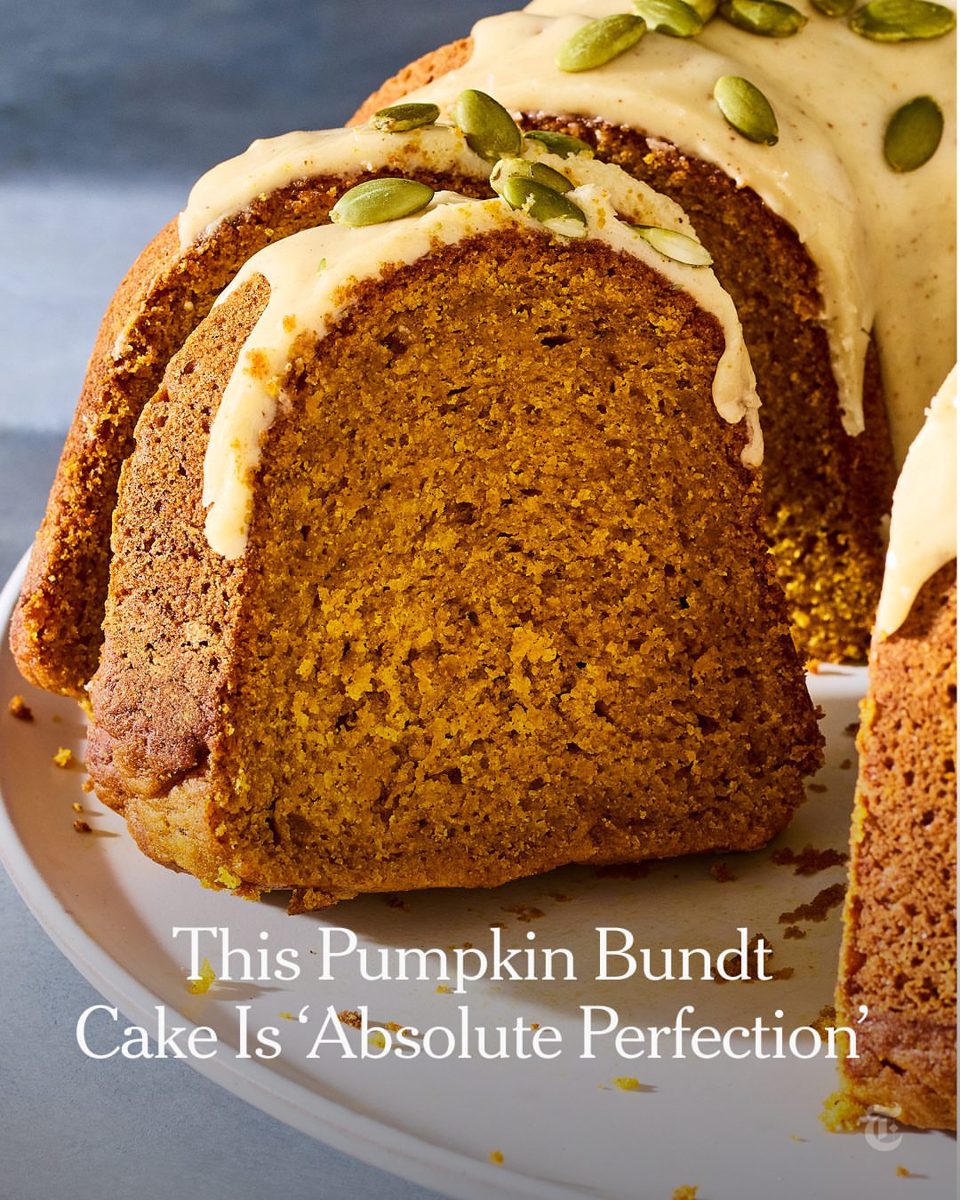
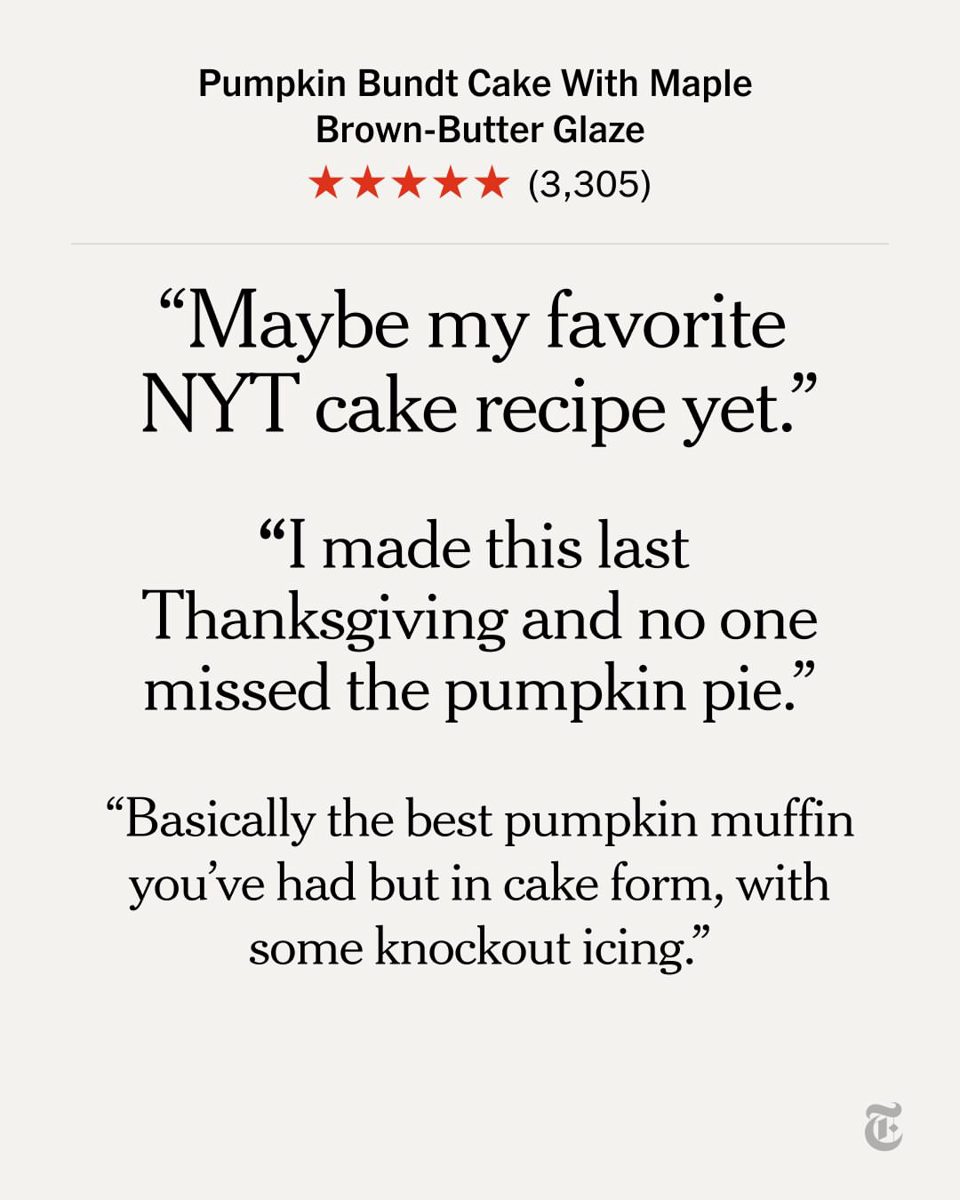
Below are real posts from real accounts. Create your own feed based on the profiles you follow.










How to create an Instagram RSS feed
Add the Instagram profiles you follow
Paste a profile URL or @username from any public Instagram profile. Add profiles from TikTok, YouTube, X, Facebook, and LinkedIn too.
Narro builds the feed
Their public posts and Reels in chronological order, with caption and thumbnail. No Stories, private accounts, or Live streams.
Read it anywhere
Open it in the Narro app. If you use an RSS reader such as Feedly or Inoreader, add your feed’s RSS URL there too. Each feed has one RSS URL, however many profiles it combines.
Following an Instagram profile in Narro and in the Instagram app
Narro shows the profiles you added, newest first, and nothing else.
| Feature | With Narro | Instagram app today |
|---|---|---|
| Posts in chronological order | Yes | Only in Following or Favorites |
| Stays chronological when you reopen it | Yes | No, returns to the default feed |
| Posts from accounts you didn’t follow (Reels, suggested posts, Explore) | No | Yes |
| Ads between posts | No | Yes |
| Instagram account required to view | No | Yes |
| Works in any RSS reader | Yes | No |
Want a feed of just your favorite Instagram profiles?
Build your Instagram feedFree for 14 days. No card required.
Instagram RSS in any reader
Already use an RSS reader? Build a Instagram feed in Narro, copy its RSS URL, and paste it in. Setup is the same shape everywhere.
- Instagram RSS in Feedly
- Open Feedly, click "+ Add Content" in the sidebar, choose "Add a Feed," and paste the Narro RSS URL. Save it to a collection.
- Instagram RSS in Reeder
- Open Reeder, tap "+" on the left sidebar, choose "Add Feed," and paste the Narro RSS URL. Optionally assign a folder.
- Instagram RSS in Inoreader
- Open Inoreader, click "Add" or use the search bar, paste the Narro RSS URL, and select "Subscribe."
- Instagram RSS in NetNewsWire
- Open NetNewsWire, choose File → New Feed (or "+" on iOS), paste the Narro RSS URL, and confirm.
- Instagram RSS in Readwise Reader
- Open Readwise Reader, click your library, choose "Add via RSS," and paste the Narro RSS URL.
- Instagram RSS in Matter
- Open Matter, go to Settings → Subscriptions → Add a subscription, and paste the Narro RSS URL.
Instagram RSS, common questions
- Does Instagram have an RSS feed?
- Not natively; Instagram has never published RSS feeds. Narro provides a maintained RSS feed for any public Instagram profile, with posts in chronological order and no Instagram account required.
- Do I need an RSS reader to use Narro?
- No. Every feed opens in the Narro app on the web, iPhone, and Android. Each feed also has an RSS URL, for people who already read in an app like Feedly or Inoreader.
- How do I get an Instagram RSS feed?
- Add the public Instagram profiles you want to follow to Narro. Each feed gets its own RSS URL you can paste into Feedly, Reeder, Inoreader, or any other reader, or open in the Narro app.
- What is my Instagram RSS feed URL?
- Narro gives each feed you build its own RSS URL. Copy it from the feed in Narro. One URL covers every profile in that feed, however many you add, along with profiles from TikTok, YouTube, X, Facebook, and LinkedIn.
- Can you remove or turn off the Instagram algorithm?
- Not fully inside Instagram: the Following and Favorites feeds are chronological, but Instagram goes back to its default feed every time you reopen the app. Narro is a user-curated social media app. It shows posts from the Instagram accounts you choose, newest first, including their Reels, and it does not reset. Keep Instagram for posting, comments, DMs, and Stories.
- Is Narro's Instagram RSS feed free?
- Narro is free for 14 days, with no card required. After the trial it is $8/month for up to 100 profiles across all six platforms, or $19/month for 300. Every feed you build has its own RSS URL.
- Do I need an Instagram account to use Narro?
- No. Narro follows public Instagram profiles on your behalf, so you do not need to log in to Instagram or create an account there.
- Why doesn't Instagram show me posts from people I follow?
- Those accounts are still posting; Instagram ranks other content above them. Its feed is sorted by engagement, with Reels, suggested posts, and sponsored content inserted between posts from the people you chose. Narro shows the profiles you add, newest first, with nothing inserted between them.
- Does Narro include Reels?
- Yes, for the accounts you add. Reels those profiles publish appear in the feed as video items with thumbnail, caption, and source link. Narro does not show the Reels discovery feed, so there are no Reels from accounts you did not add.
- Does Narro include Instagram Stories?
- No. Stories are intentionally ephemeral and Narro does not surface them. The feed focuses on posts and Reels.
- Will the account owner know I am following them?
- No. There is no follow event, no notification, and your reading does not appear in the account's follower count.
- Can I follow private Instagram accounts?
- No. Narro only follows public profiles.
- How often does the Instagram feed update?
- Narro checks Instagram profiles several times a day, and new posts appear in your reader after each check.
Create the perfect RSS feed from Instagram.
Try it free for 14 days. No card required.
Build your Instagram RSS feedDownload the app
Already have an account? Sign in
RSS feeds for other platforms